How do I export a product from Koi into Shopify?
To export a product into Shopify from Koi:
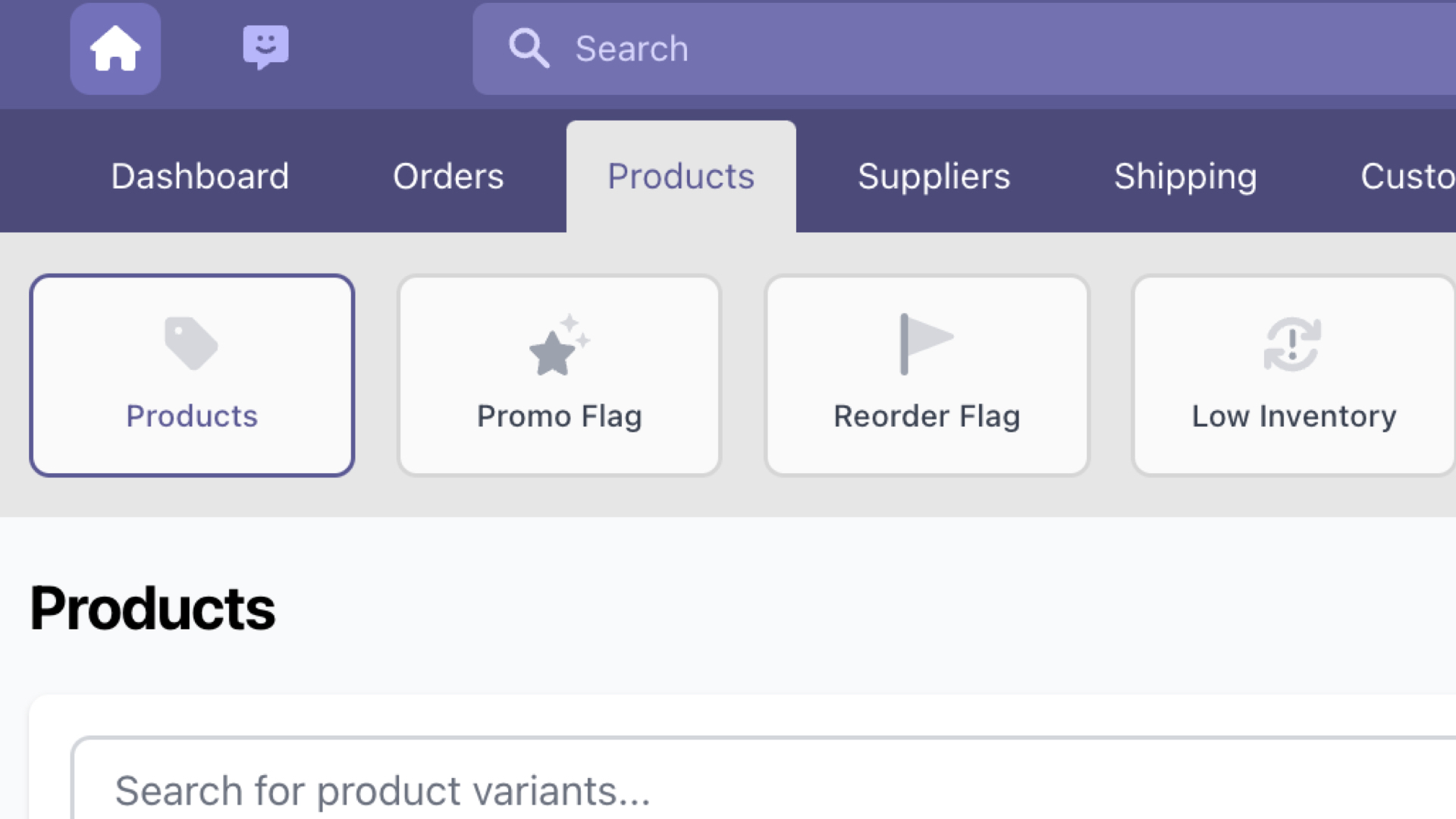
- First, navigate to Products.
- Locate and select the desired product that you wish to export into Shopify.
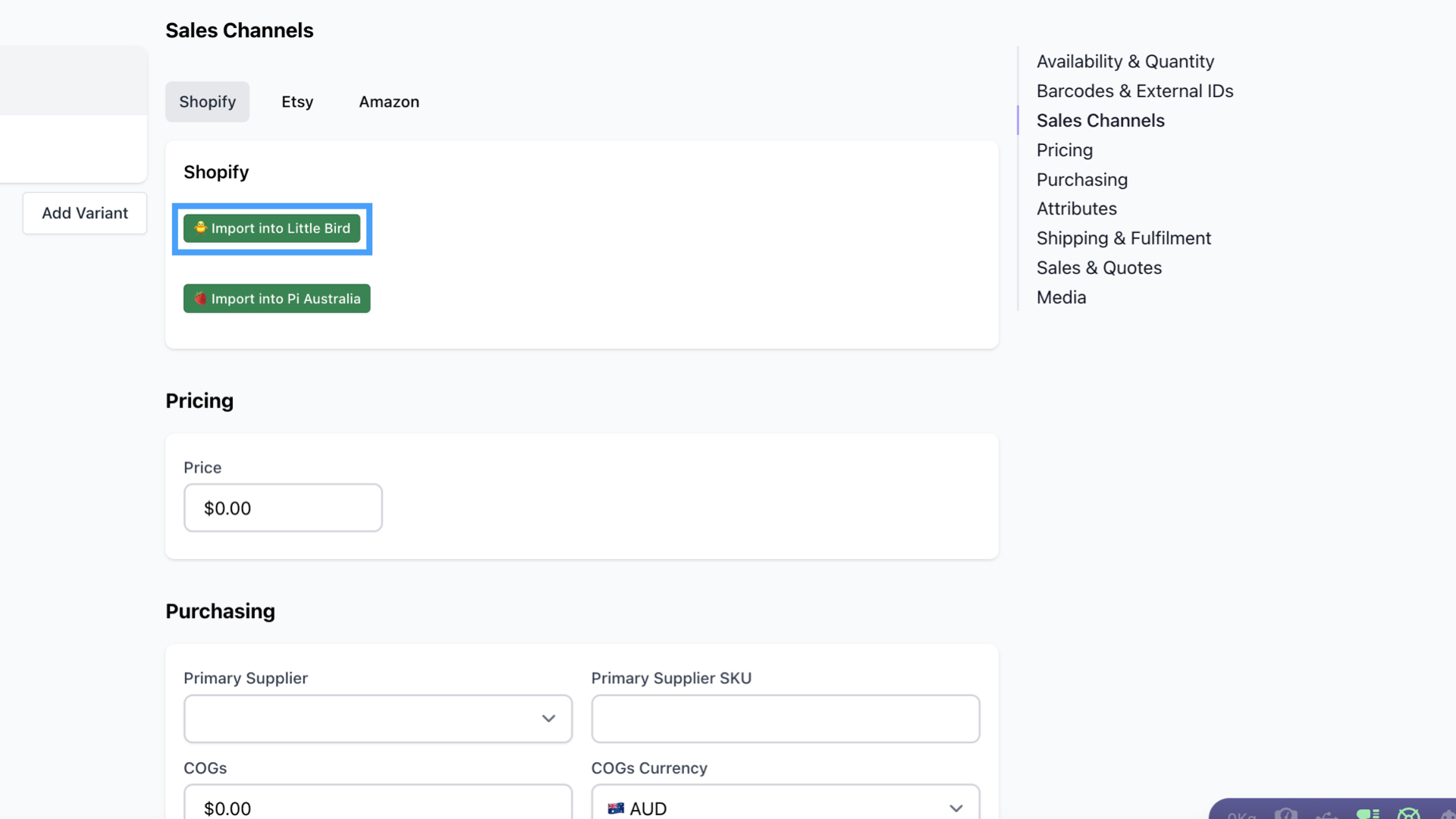
- Then scroll down to the section titled Sales Channels.
- Click on Import into [Shopify Store Name] button.
Did this answer your question?
There was a problem submitting your feedback. Please try again later.
Still need help? Contact Us Contact Us