Activating Barcode Scanning Mode for Order Fulfillments
On this Page
What is Barcode Scanning Mode?
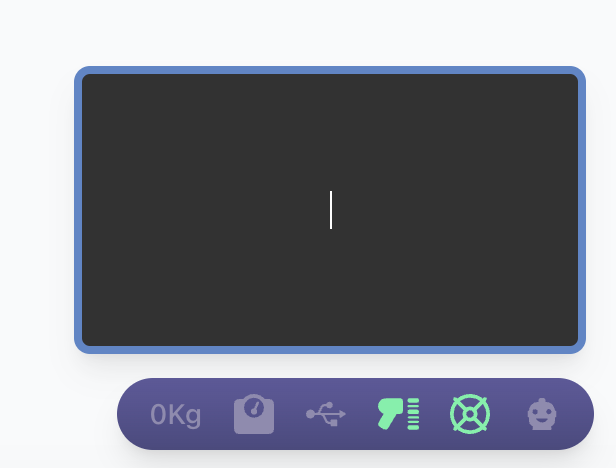
In Barcode Scanning Mode, the following adjustments are made:
- The Barcode Input, which is usually closed, automatically opens.
- The Barcode Input automatically becomes the active field when possible.
These changes allow pickers and packers to fully process orders using only a barcode scanner.
How to Enable Barcode Scanning Mode
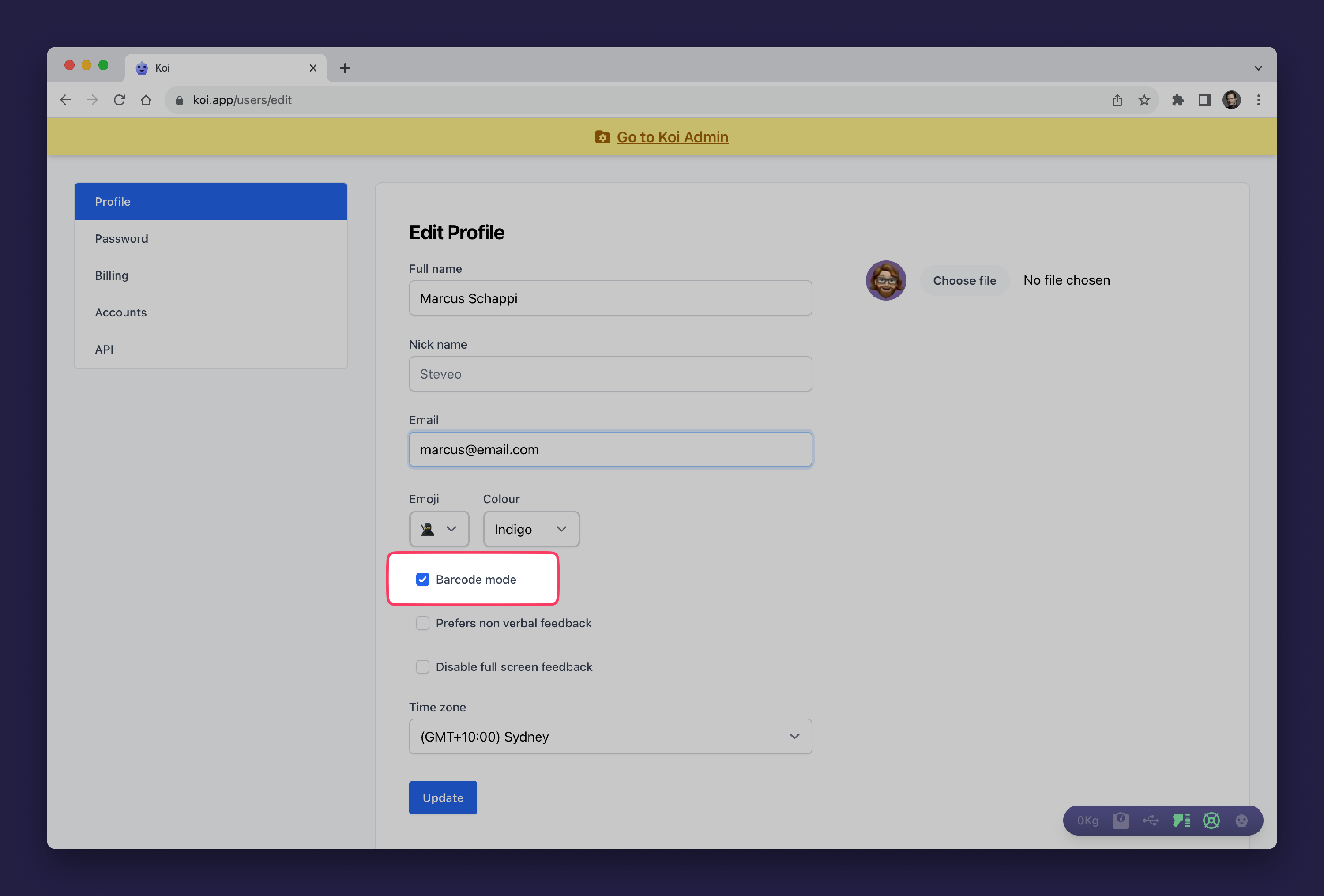
Barcode Scanning Mode can be activated for individual users. To turn it on, visit your user profile on https://koi.app/users/edit.
Within your user profile, activate Barcode Scanning Mode by making sure the checkbox labeled "Barcode mode" is ticked.
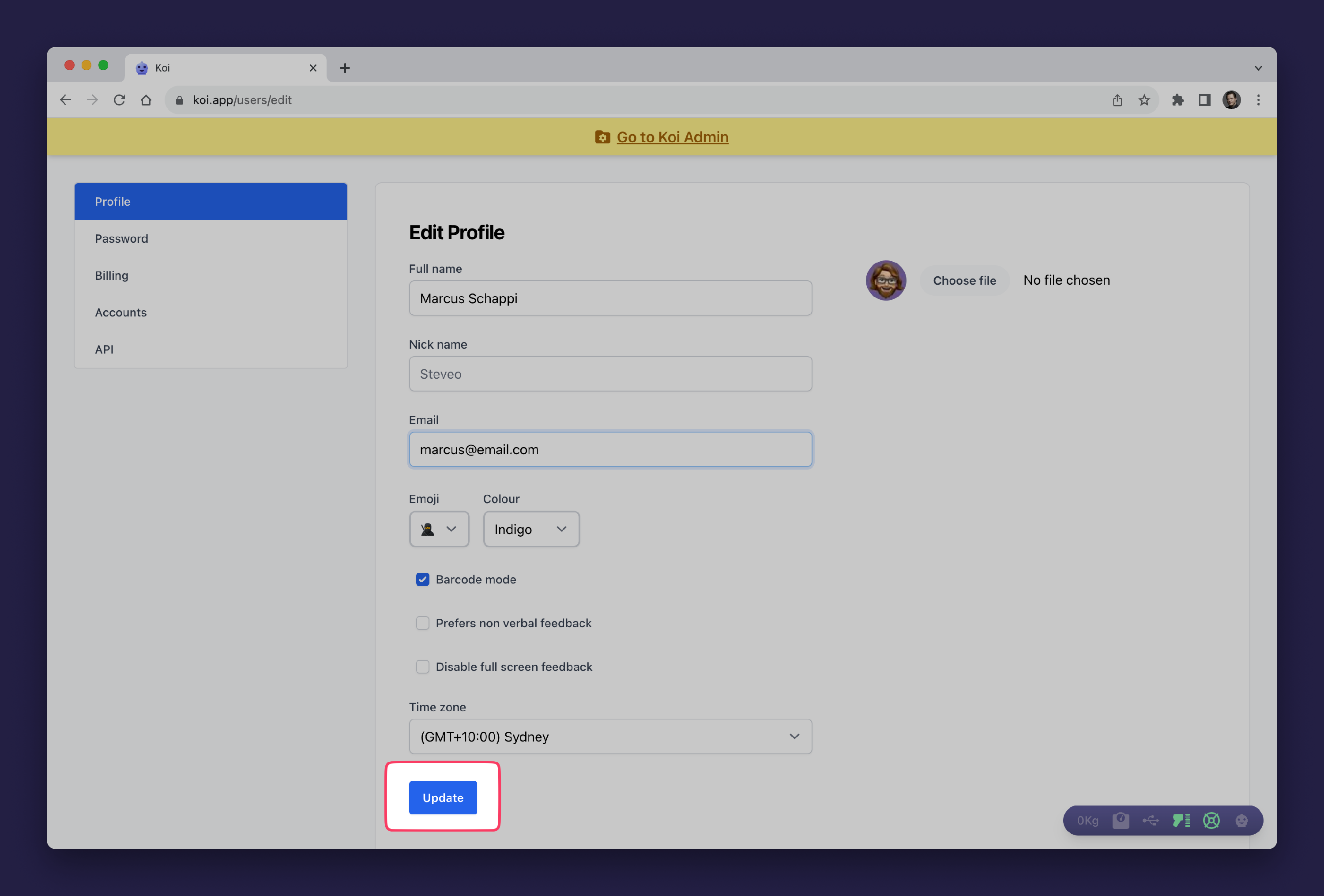
Be sure to save your changes by clicking the "Update" button.
Did this answer your question?
There was a problem submitting your feedback. Please try again later.
Still need help? Contact Us Contact Us